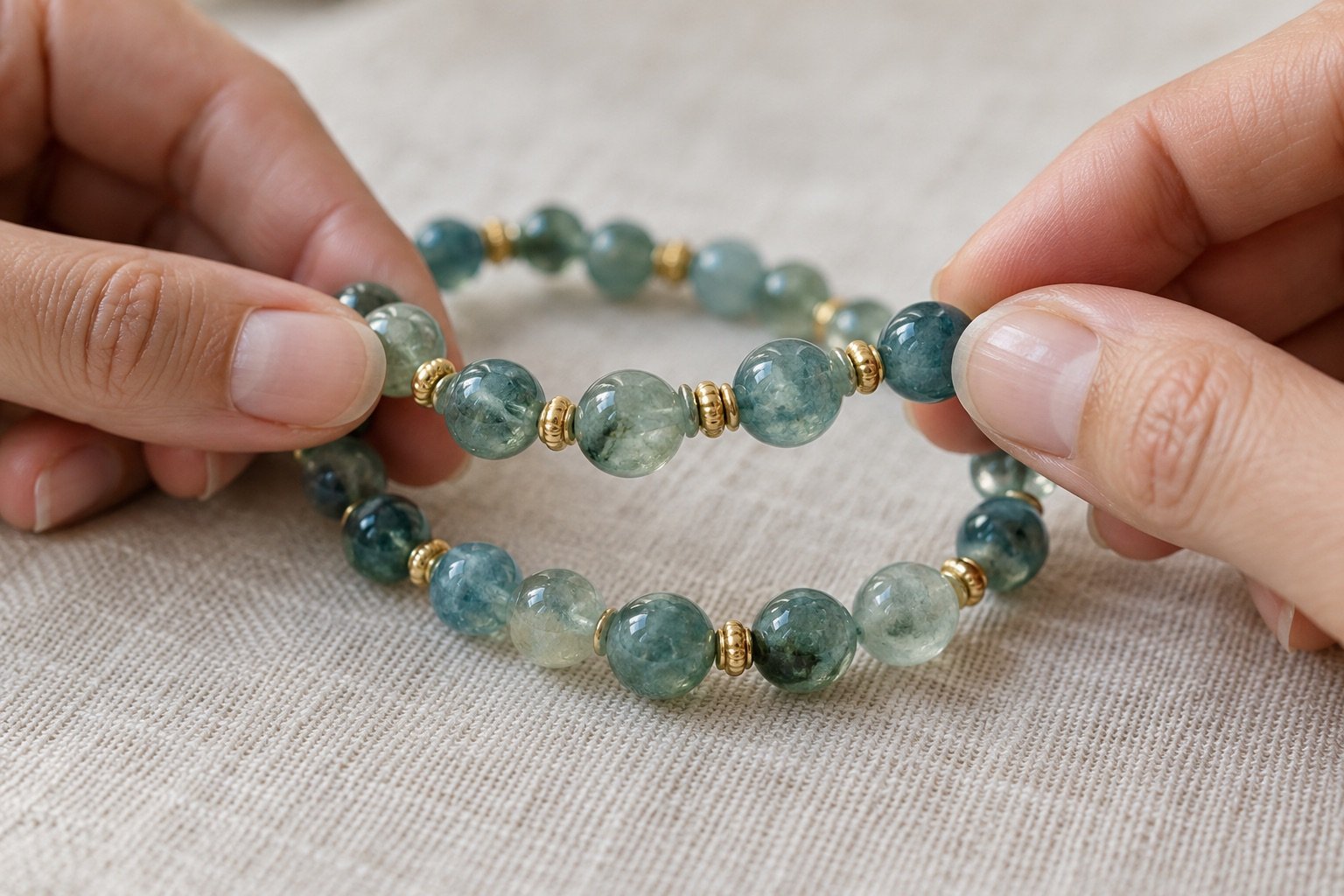
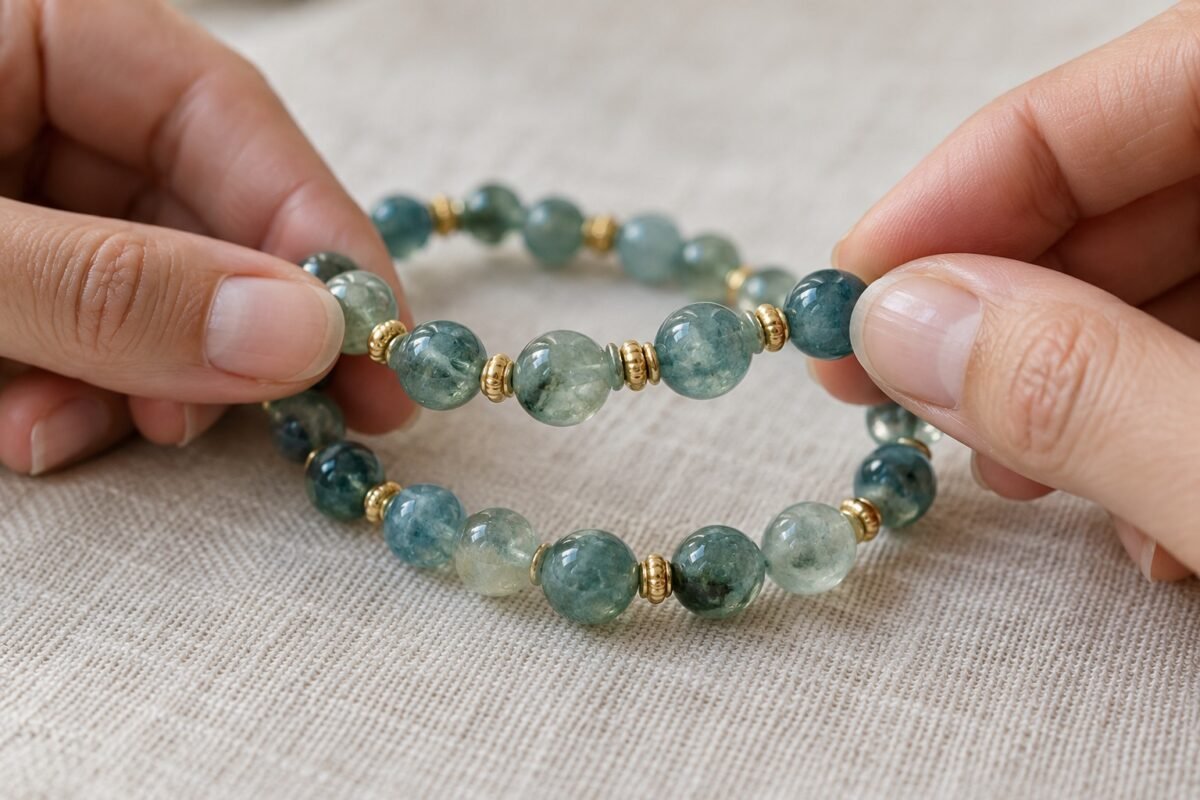
To check bracelet metal spacer alignment, place the jewellery on a soft surface and look at how the parts sit during normal movement. Some beads rotate freely; that alone does not mean the piece is defective. The useful signs are a visibly separated component, a new sharp edge or a change from the design shown in the current product listing.
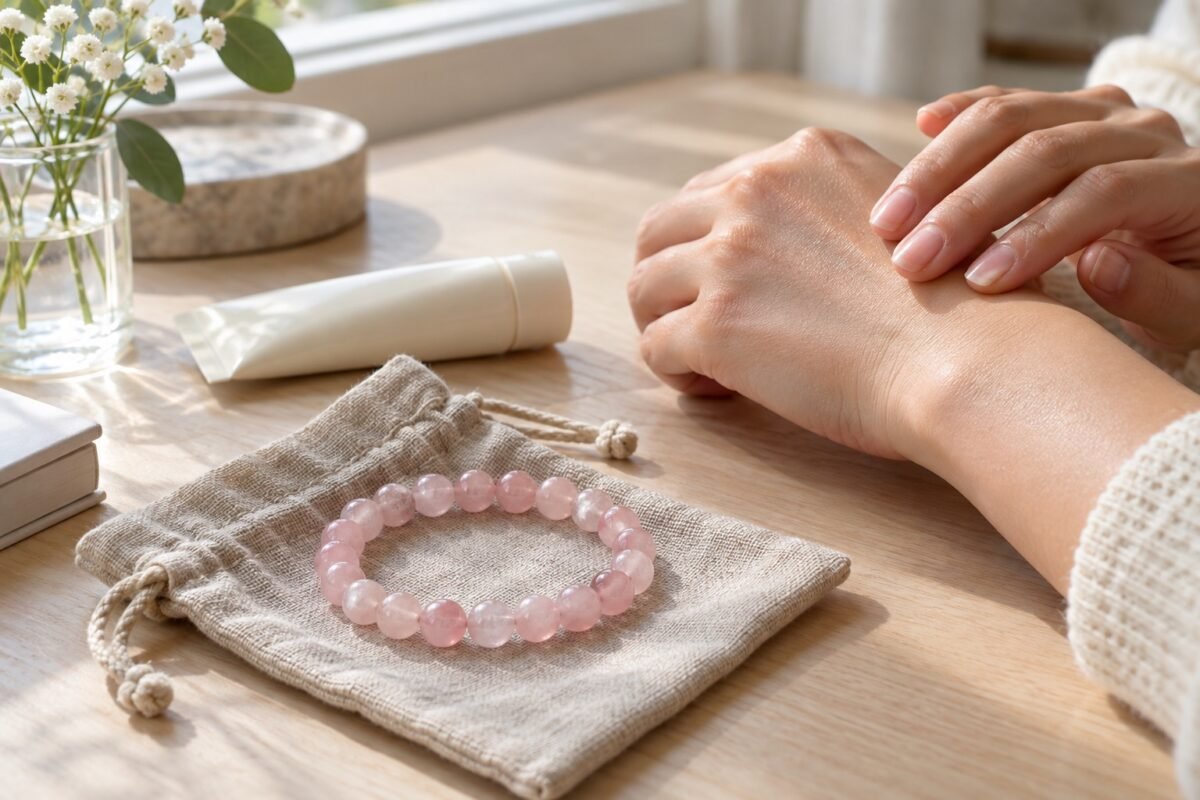
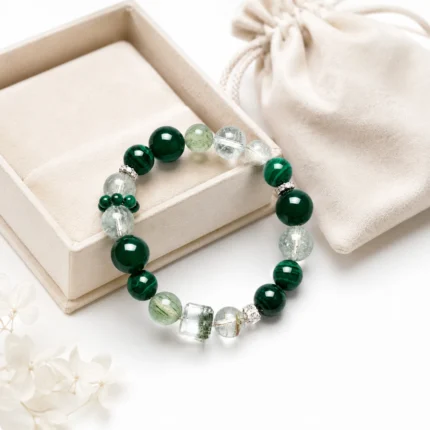
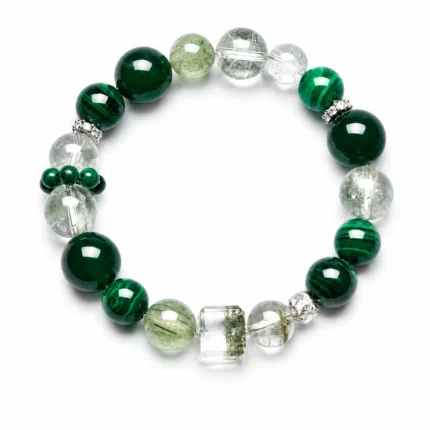
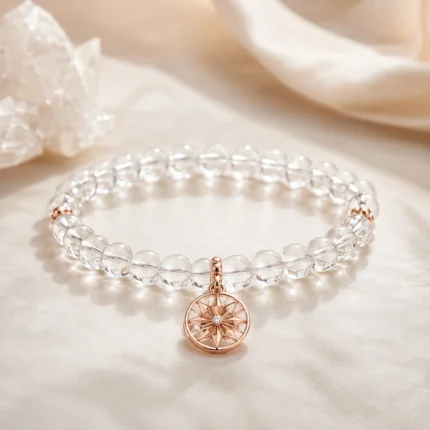
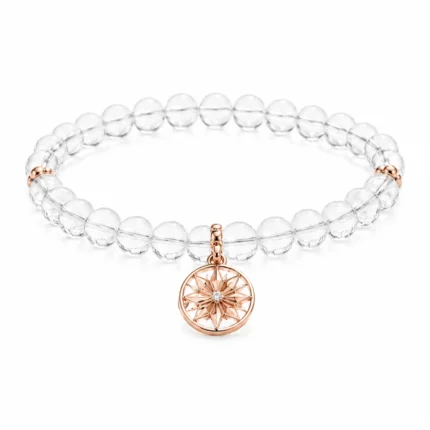
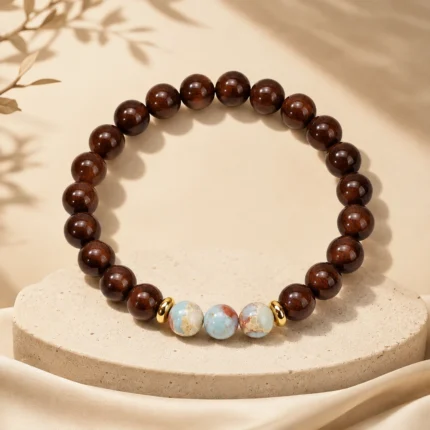
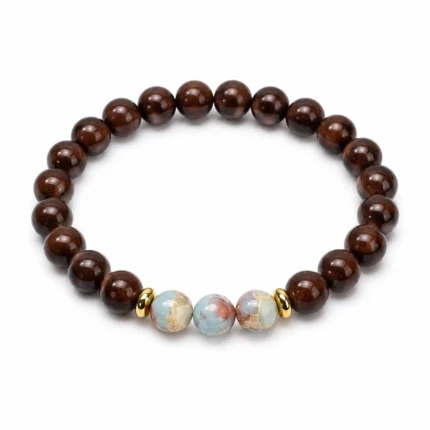
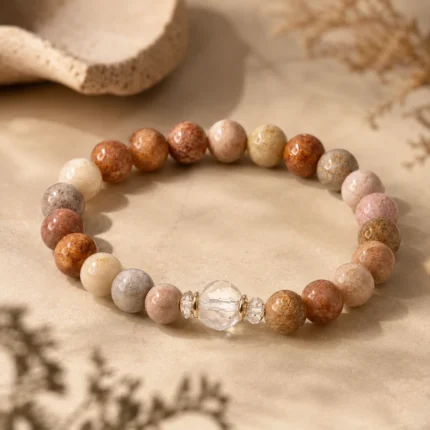
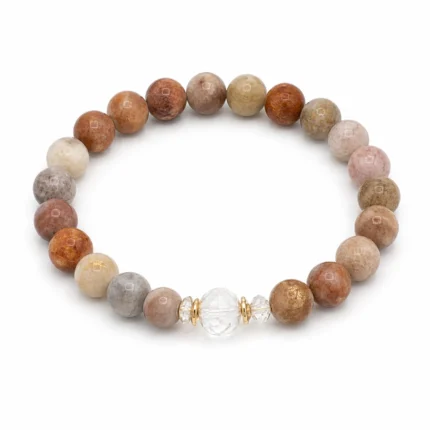
Editorial image note: the featured image is an AI-generated styling illustration, not a photograph of the exact item for sale. See the linked product page for current materials, colour and design details.
Look in ordinary light
Lay the bracelet flat and photograph both sides before touching a concern. Turn the strand gently without pulling it taut. See whether spacers sit between beads as intended and whether any metal edge catches the cloth.
Compare the piece with its product images, allowing for natural stone colour and pattern variation. A spacer that has simply rotated may look different in a still photograph. Do not use pliers to force decorative components into an imagined fixed position.
Notice what changes during wear
If a metal part moves independently of its connection, rubs the wrist or appears to open, stop wearing the bracelet. Save a close-up image and note when you first noticed it. Customer care can evaluate the actual construction more reliably than a general article.
Avoid tugging the cord or elastic as a test. Excessive stretching may change the strand itself and make the concern harder to assess. Check fit too: a bracelet that is consistently under tension may call for another size.
Store it without pressure
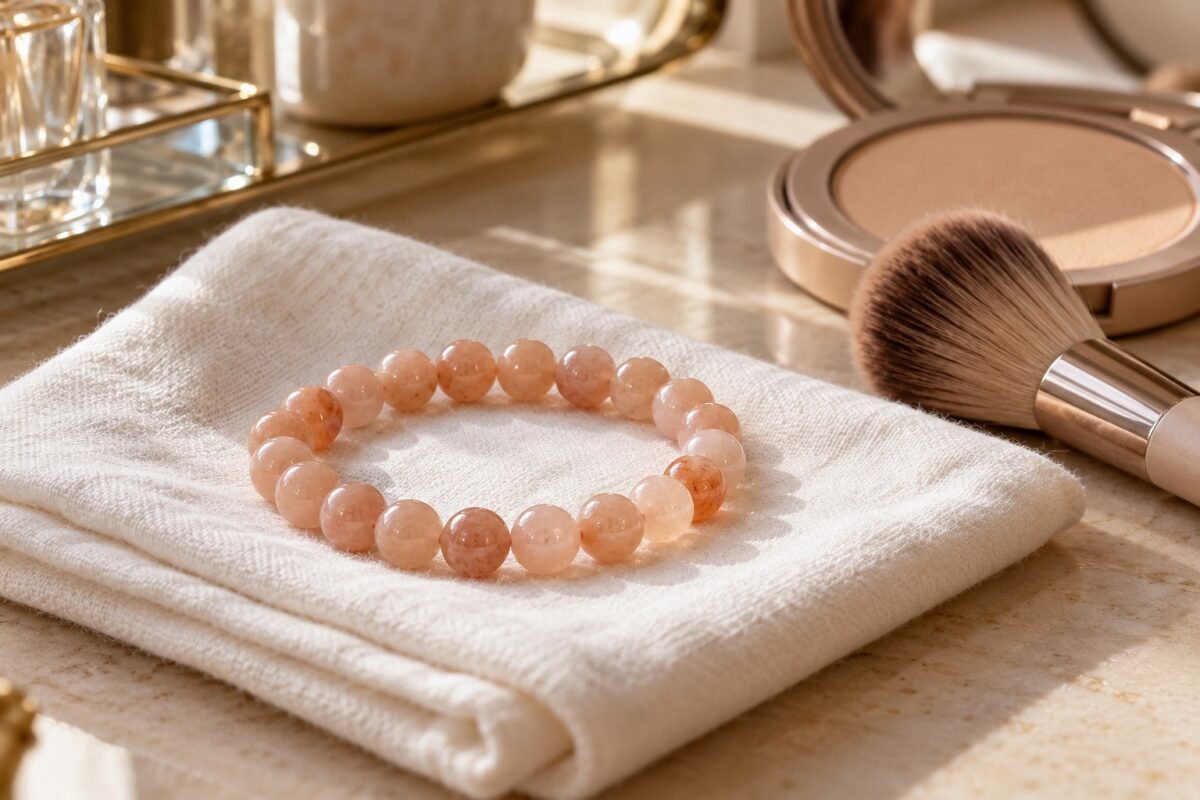
Place the strand flat in its own pouch and avoid heavy items resting on its spacers. Wipe accessible surfaces with a soft dry cloth after wear, following the design’s care instructions for any more detailed cleaning.
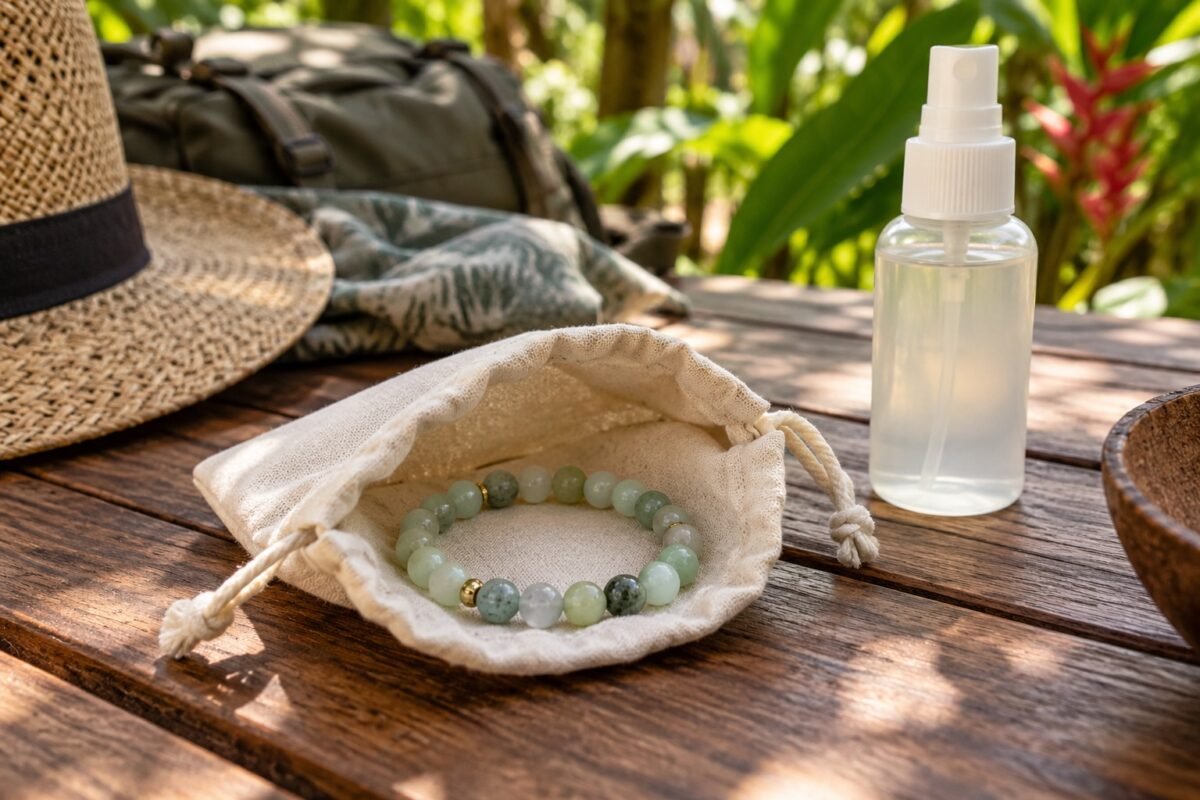
The pictured blue-green beads and metal details are an AI-generated editorial example, not a construction diagram or exact product photograph. Review the linked AVENSU listing to identify the real item’s components.
Explore the bracelet and check the fit
See the AVENSU multi-stone bracelet for current product photographs and details. If you are choosing a size, use the AVENSU bracelet size guide; for storage and everyday handling, read the bracelet care guide.